



If you installed a home battery expecting your electric bill to drop through the floor and it didn’t, you’re not alone, and the battery probably isn’t broken.
The most common reason a battery underperforms has nothing to do with the equipment. It’s that nobody set it up to fight the part of the bill that’s actually expensive.
Most people assume their electricity bill is just usage times rate: more kilowatt-hours, higher bill. That’s true for plenty of customers, but if you’re on a utility that charges demand rates, which is increasingly common in places with hot summers and strained grids like Arizona, California, and parts of the Southeast, there’s a second charge hiding on your bill.
It’s based on the single highest burst of power your house pulled during any 15- or 60-minute window all month, not your total usage. Run the air conditioner, the dryer, and an EV charger at the same time for twenty minutes on one afternoon, and that twenty minutes can set your bill for the entire month.
This is worth checking even if you don’t have solar or a battery yet. Pull up your last bill, or log into your utility’s online portal, and look for a line item labeled “demand charge,” “demand rate,” or sometimes just “kW” instead of “kWh.
” If you’re on SRP in Arizona, this shows up on the E-27 plan. On APS, it’s R-3. Other utilities have their own versions under different names. If that charge exists on your bill and it’s a meaningful chunk of the total, how you use your battery matters a lot more than how big it is.
A Quick Example of How Much This Matters
On SRP’s E-27 plan, the summer on-peak demand charge runs $7.89 per kW for your first 3 kW over baseline, then $14.37 per kW for the next 7.
Say your household’s peak draw for the month is normally around 6 kW, but one Tuesday in July you’re running the AC, the dryer, and the EV charger together for twenty minutes and your peak jumps to 9 kW.
That extra 3 kW falls in the $14.37 tier, which adds roughly $43 to that one bill, from twenty minutes on a single afternoon. It happens every month unless something actively prevents it, which is the part a battery doesn’t do automatically just by existing.
Why a Battery Alone Doesn’t Fix This
A battery that just charges when electricity is cheap and discharges when it’s expensive helps with time-of-use rates, where the price per kilowatt-hour changes by time of day. That’s a real savings, and most battery systems, including Tesla’s default modes, handle it reasonably well right out of the box.
Demand charges are a different problem. Beating them requires the battery to be actively discharging at the exact moment your house is about to spike, every single time, because one miss in a month wipes out the savings from every other day.
That’s not something a simple time-based schedule can do, because the spike doesn’t happen on a schedule. It happens whenever your family runs the dryer, the oven, and the AC compressor at once.
Catching it requires something watching your actual power draw close to real time and reacting to it, not a battery that just follows a preset clock.
What Automation Actually Looks Like
This is where dedicated automation software comes in, sitting on top of whatever battery hardware you already own rather than replacing it. Dedicated energy management software like gridgetter.com, for example, connects to a Tesla Powerwall , with no electrician or new hardware required, and samples your home’s grid draw roughly once a minute.
When it sees usage trending toward your demand-charge threshold, it shifts the battery to cover the gap before the spike registers on the meter.
It also handles the simpler time-of-use side: charging during the utility’s cheap hours and holding solar surplus in reserve instead of exporting it, so it’s available during the expensive evening window rather than sold back cheap and bought back expensive a few hours later.
The free tier covers monitoring plus one automation rule; paid tiers run roughly $5 to $10 a month, which is worth weighing against what a demand charge is actually costing before adding it.
It’s not the only option, and it only works with Tesla batteries specifically. Whole-home platforms like Netzero do something similar across a wider range of connected devices, at a higher monthly cost, if you want EV charging or general smart-home automation folded into the same system.
If you have a non-Tesla battery, check with your installer about whether the manufacturer’s own app offers any real-time demand management, since coverage varies a lot from brand to brand.
The right choice mostly depends on whether demand charges are your main cost or whether you’re trying to automate more of the house at once.
Is it Worth Automating For You Specifically
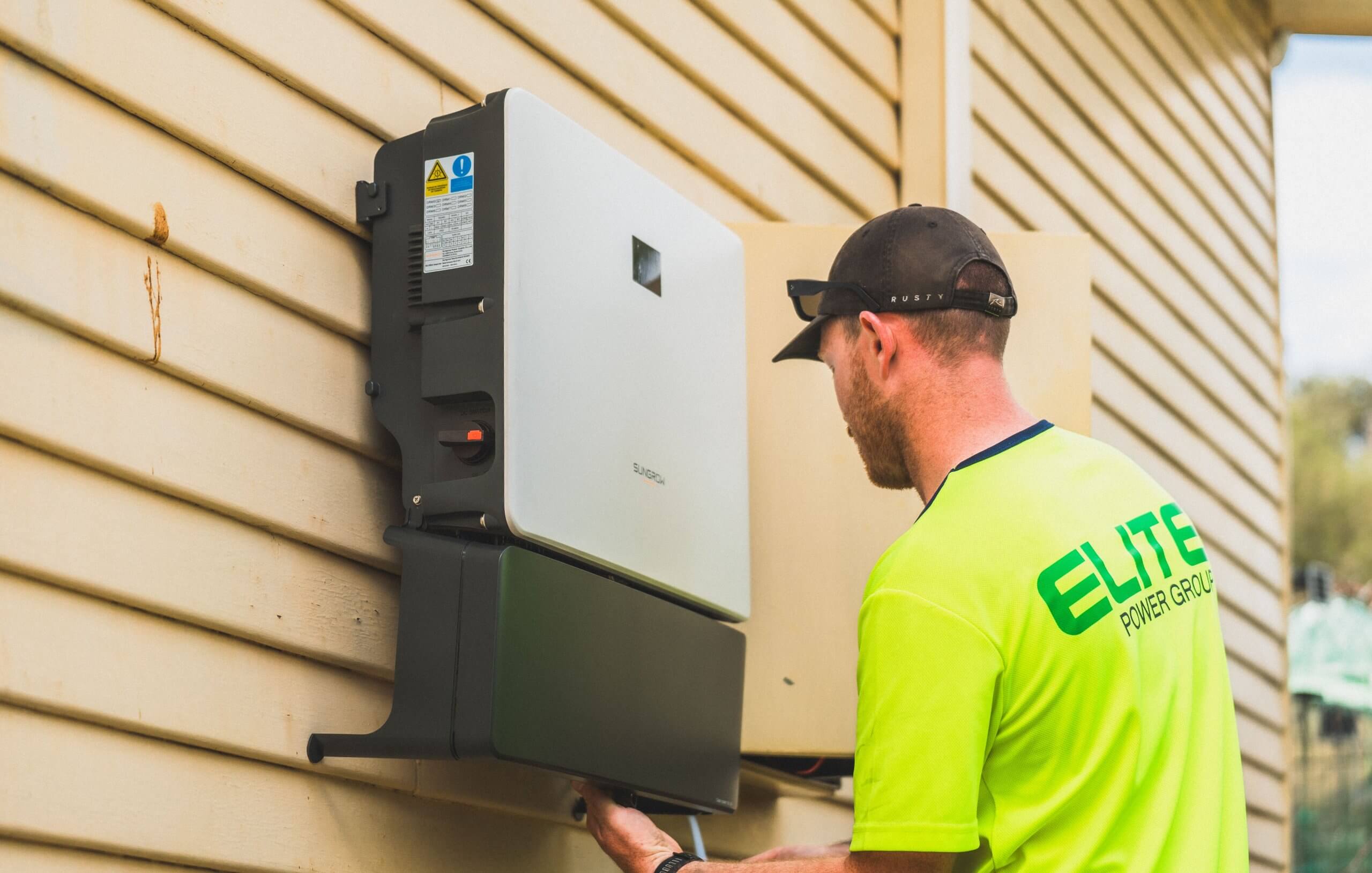
Not every household has enough demand-charge exposure to justify paying for automation. If your utility bills straight per-kWh with no demand or time-of-use component, none of this applies, and a battery’s savings will come mostly from time-shifting and backup power instead.
If you’re on a demand-charge plan, the fastest way to check whether it’s worth automating is to pull three or four months of past bills and look at how much of the total is the demand-charge line item versus the energy line item. If demand charges are $10 to $15 a month, a $5 to $10 monthly automation fee is a rounding error either way.
If they’re running $40, $60, or more, especially in a summer month with a big single-day spike, automating that away for a few dollars a month is one of the better returns available in a home energy setup, and it pays for itself faster than almost any hardware upgrade would.
What You Can Do Today Without Buying Anything
Even without new software, understanding your own rate plan gets you most of the way there. Find your peak pricing window, usually late afternoon into evening in summer, and try to keep the dishwasher, laundry, and EV charging outside of it.
If you have a demand charge, pay attention to what’s running simultaneously rather than just total usage; three appliances running together for twenty minutes does more damage to your bill than the same three appliances spread across the day.
A cheap plug-in energy monitor on your panel, or the monitoring dashboard most battery systems already include for free, will show you where your spikes actually come from, which is usually less obvious than people expect. It’s rarely the appliance you’d guess.
It’s also worth checking your rate plan itself once a year. Utilities revise time-of-use windows and demand-charge tiers periodically, and a plan that made sense when you installed your system two or three years ago may not be the cheapest option available to you now.
Most utilities let customers switch between a handful of published residential plans once a year without penalty, and running your actual usage history through each option, most utilities or third-party sites offer a bill comparison tool for this, sometimes turning up real savings that have nothing to do with automation at all.
A battery is a tool, not a solution by itself. It saves money in proportion to how well it’s aimed at the specific way your utility charges you, and for homeowners on demand-charge or time-of-use plans, the software managing the battery ends up mattering about as much as the battery itself.


- How to Maximize Home Office Space in a Studio or One-Bedroom ApartmentAs more people continue working from home, renters are rethinking how they use every square foot of their apartments. A productive home office doesn’t require a dedicated room. With intentional design, even a studio apartment or one-bedroom layout can support focused work while still feeling... The post How to Maximize Home Office Space in a […]