
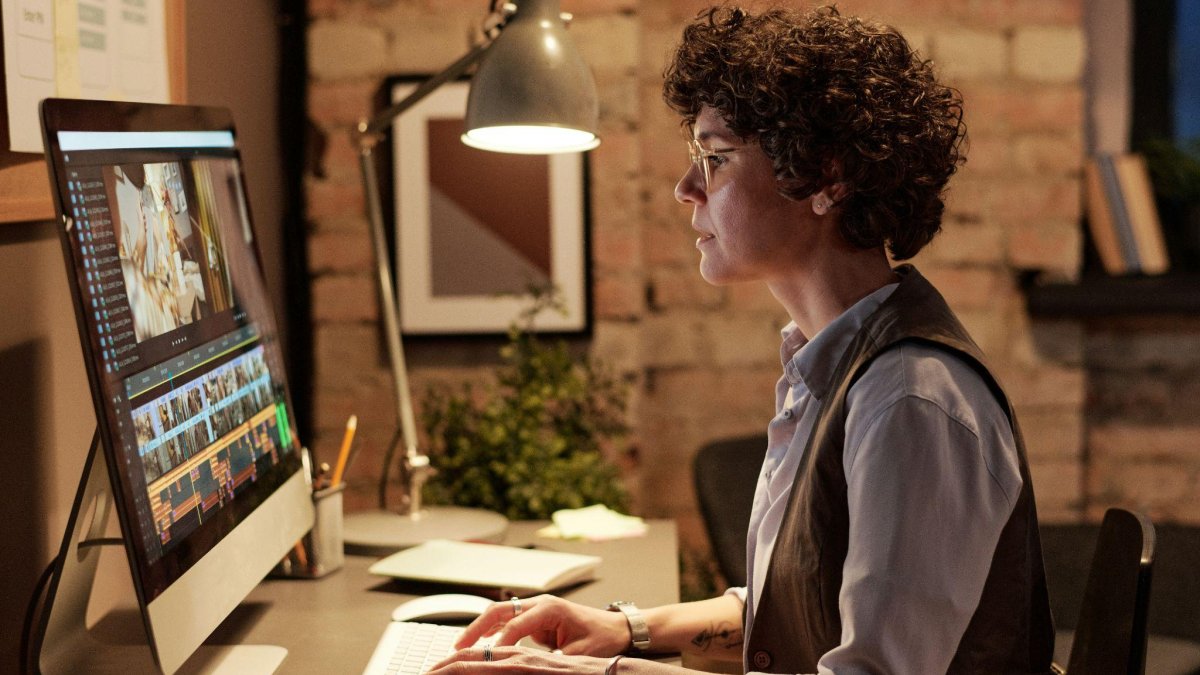

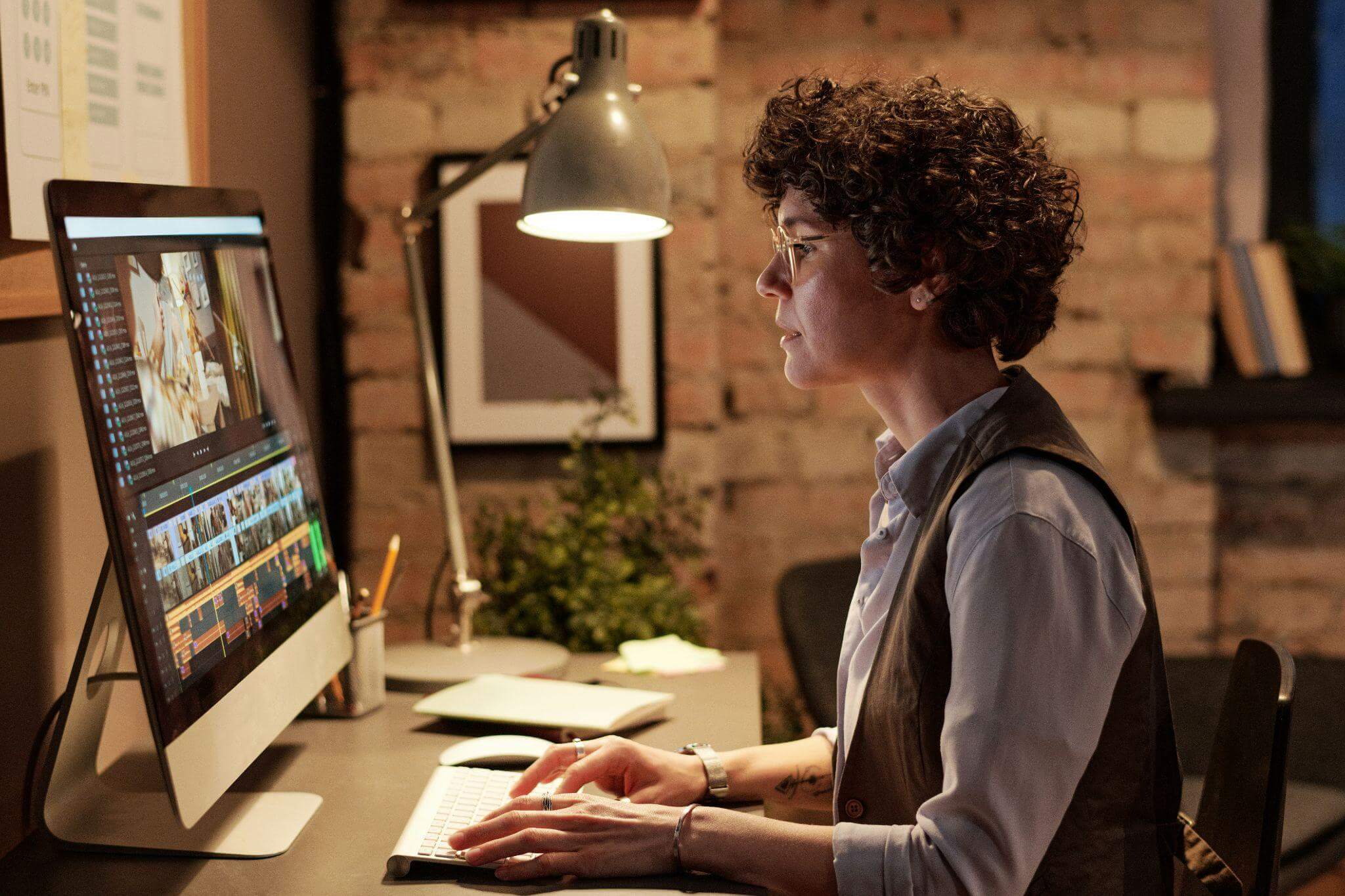
In today’s hybrid world, our homes have become more than just living spaces, they’re offices, studios, and meeting rooms rolled into one. Whether you’re hosting a client presentation or catching up with colleagues, how you appear on camera can influence professionalism and communication quality. That’s why perfecting your home office setup goes far beyond choosing a comfortable chair.
From adjusting your lighting to refining your video clarity with tools like an image upscaler, every detail matters. The right environment not only boosts your on-screen appearance but also improves focus, confidence, and productivity throughout the workday.
Choose The Right Location
The foundation of a functional home office begins with where you set up. Ideally, select a space with ample natural light, minimal distractions, and good acoustics. A corner near a window can help you look brighter and more approachable on video calls.
If natural light is limited, consider artificial solutions. A simple ring light or LED panel placed at eye level can evenly illuminate your face, avoiding the harsh shadows that standard overhead lighting creates. This small change instantly makes you appear more professional and engaged on screen.
For those sharing spaces or living in smaller apartments, movable partitions or shelving units can help create visual boundaries, giving your background a cleaner and more defined look without needing to rearrange your entire home.
Master The Art Of Lighting
Lighting can make or break your video call presence. Even the most advanced webcam struggles under poor lighting conditions, resulting in grainy or washed-out images.
The ideal setup combines three key lighting elements:
- Key light: The main light source facing you.
- Fill light: A softer light to reduce shadows on the opposite side.
- Backlight: A light behind you to create depth and separation from the background.
This setup mimics professional studio conditions and ensures you look crisp without overexposure. Warm lighting (around 2700K–3000K) gives a cozy, natural tone, while cooler lighting (around 4000K–5000K) works best in minimalist or modern settings.
Experimenting with these elements will help you find the balance that flatters your features and complements your workspace’s aesthetic.
Improve Image Quality For A Professional Look
Even with perfect lighting, poor image quality can undermine your efforts. Many built-in laptop cameras capture at low resolution, which can appear dull or pixelated, especially during virtual presentations.
To fix this, start by cleaning your camera lens (often overlooked) and positioning it at eye level to maintain natural engagement. If your budget allows, upgrade to a 1080p or 4K external webcam. These models offer better clarity, color accuracy, and low-light performance.
When editing or saving stills for presentations or marketing materials, use an online image enhancement tool to refine clarity and resolution. For instance, an image upscaler can automatically improve definition, restore textures, and make even simple screenshots look polished.
According to The Guardian, visual quality plays a major role in how we interpret attention and energy in virtual meetings. A clear, well-lit face can subtly boost both confidence and perceived credibility, something every professional can benefit from.
Pay Attention To Background And Framing
Your background tells a story, intentionally or not. A cluttered or poorly framed space can distract viewers and reduce your professional presence.
Keep your backdrop simple: a tidy bookshelf, a framed artwork, or a neutral wall with good contrast against your clothing. Avoid overly bright or reflective surfaces that can cause glare.
If your space is limited or shared, virtual backgrounds or blurred modes are good alternatives, but they work best when your actual environment is well lit. Clean edges between you and the background help digital effects look smoother.
Framing is equally important. Leave a bit of space above your head and ensure your face is centered. The “rule of thirds”, commonly used in photography, applies here too, giving your image a balanced, natural composition.
Prioritize Ergonomics And Comfort

A high-performing workspace is also about how it feels. Poor ergonomics can lead to fatigue, stiffness, and even long-term injuries. Invest in a chair that supports your lower back and keeps your posture upright.
Keep your screen slightly below eye level and about an arm’s length away to prevent neck strain. If you’re using multiple monitors, position them symmetrically to reduce constant head rotation.
A clutter-free desk helps minimize stress and distraction. Cable organizers, monitor risers, and minimalist desk setups not only look cleaner on camera but also enhance mental focus.
Sound Quality: The Forgotten Factor
Many people focus entirely on visuals and overlook the importance of sound. Echoes, background noise, or muffled audio can instantly ruin an otherwise polished presentation.
Invest in a decent external microphone or use a headset with noise cancellation. If your space has echo issues, add soft furnishings, rugs, curtains, or foam panels, to absorb excess sound.
You can also test audio levels before meetings using your platform’s built-in tools. Adjust gain settings to avoid clipping, and consider using a pop filter if you record podcasts or video content regularly.
Good audio complements great visuals, creating a full, professional impression that helps your message come through clearly.
Manage Digital Fatigue

While technology enhances connectivity, spending long hours on video calls can cause what experts call “Zoom fatigue.” Poor posture, eye strain, and sensory overload are common symptoms.
To counteract this, take regular breaks, stretch, and follow the 20-20-20 rule: every 20 minutes, look at something 20 feet away for 20 seconds. Adjust screen brightness to match ambient light and use blue-light filters if needed.
Balancing aesthetics and well-being is key, your home office should feel as good as it looks. A space that energizes you will also reflect positively in every online interaction.
Create A Setup That Reflects Your Professional Identity
Your home office is more than a workspace, it’s part of your personal brand. The lighting, camera angle, and overall presentation communicate who you are before you even speak.
Small upgrades can make a significant difference. A clear, well-lit image projects confidence and competence, while good sound and framing show that you value your audience’s time. By combining thoughtful design with digital tools like an image upscaler, you can create a professional setup that enhances both appearance and performance.
Ultimately, the perfect home office isn’t about replicating a corporate cubicle, it’s about designing a space where technology, comfort, and creativity coexist seamlessly.


- How to Maximize Home Office Space in a Studio or One-Bedroom ApartmentAs more people continue working from home, renters are rethinking how they use every square foot of their apartments. A productive home office doesn’t require a dedicated room. With intentional design, even a studio apartment or one-bedroom layout can support focused work while still feeling... The post How to Maximize Home Office Space in a […]